Diagram For
All


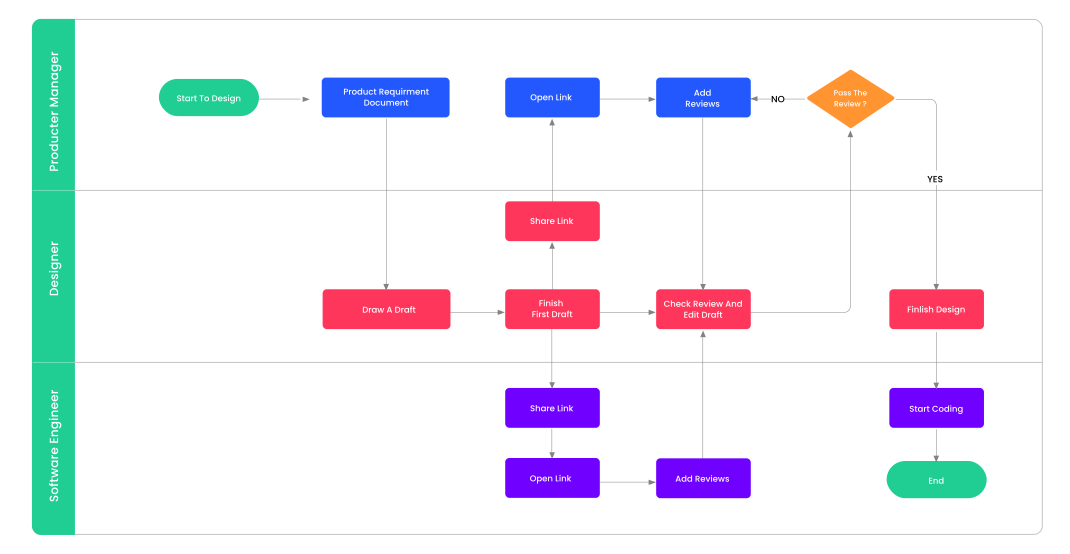
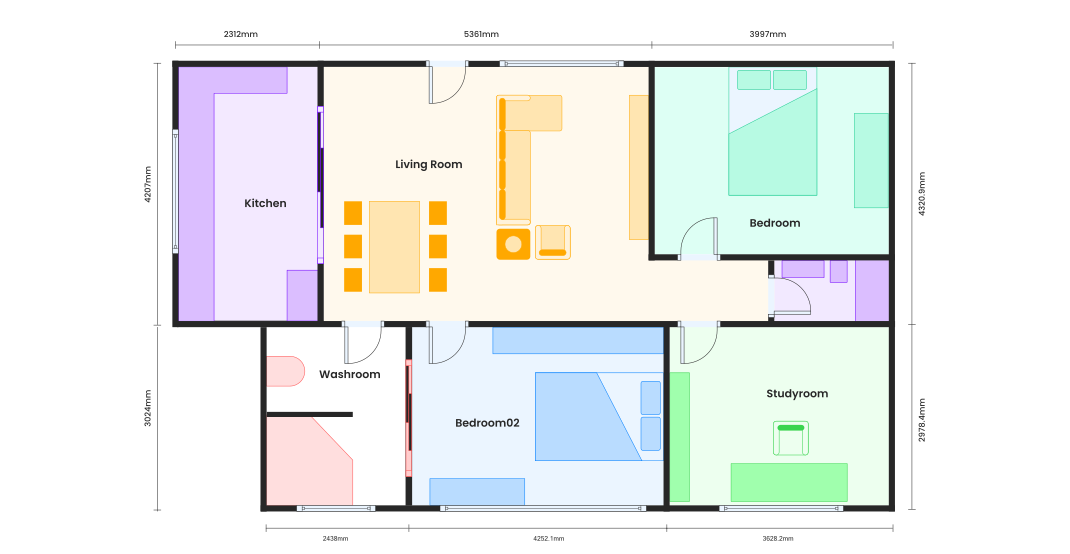

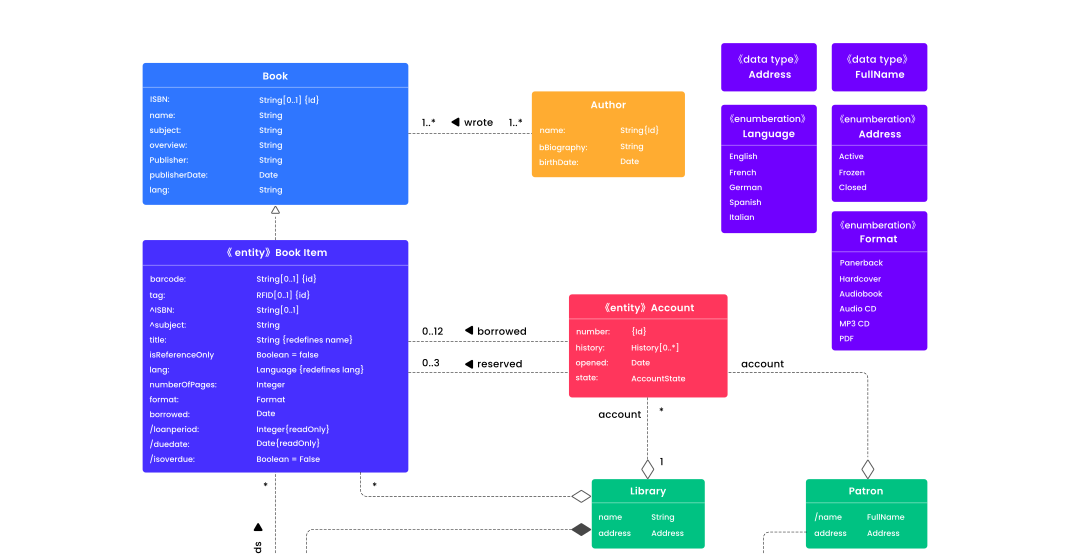
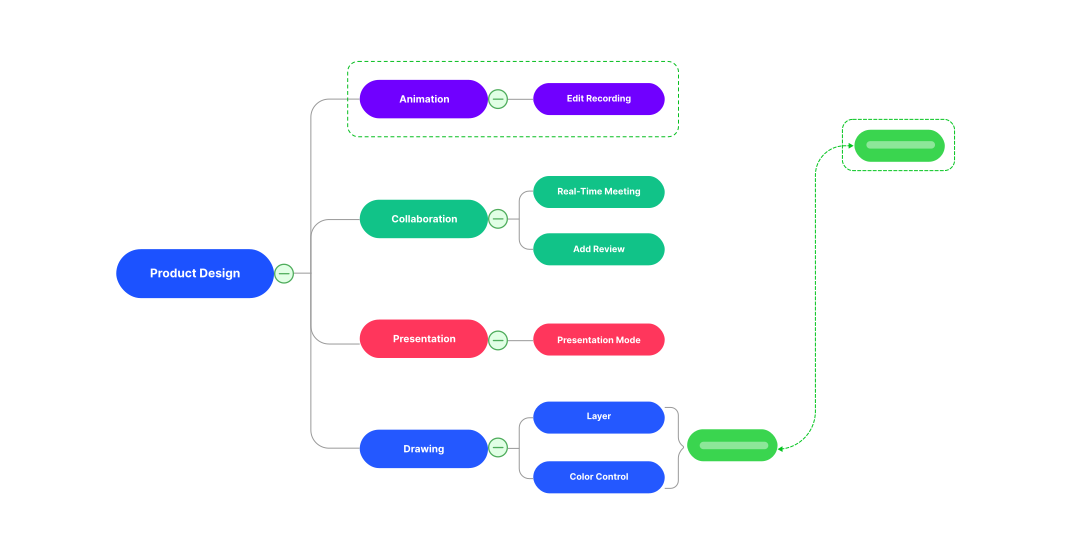
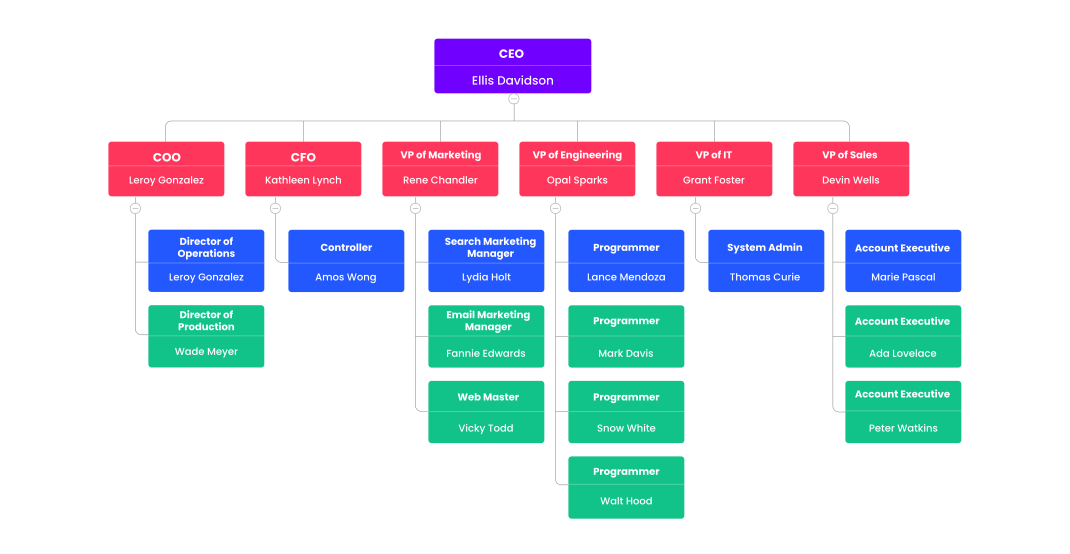
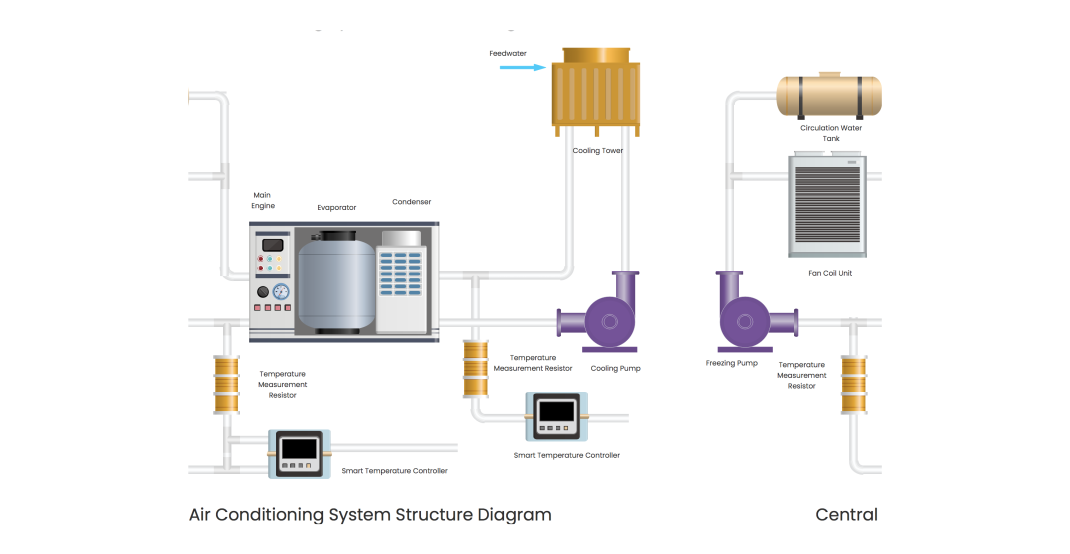
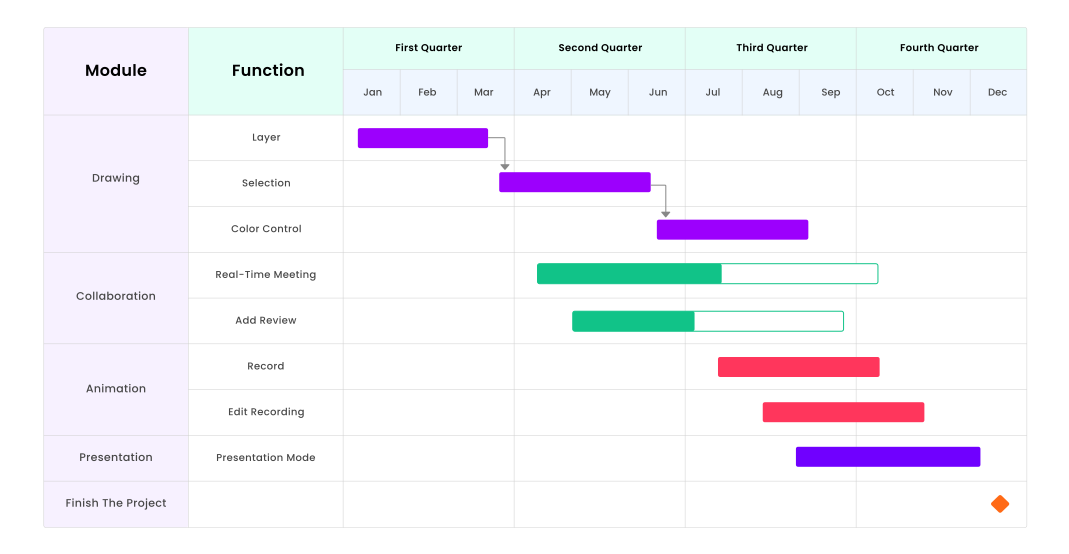
Trusted by 30M+ users and leading brands.











Create diagram in seconds with

Use powerful AI tools to generate or analyze diagrams effortlessly.


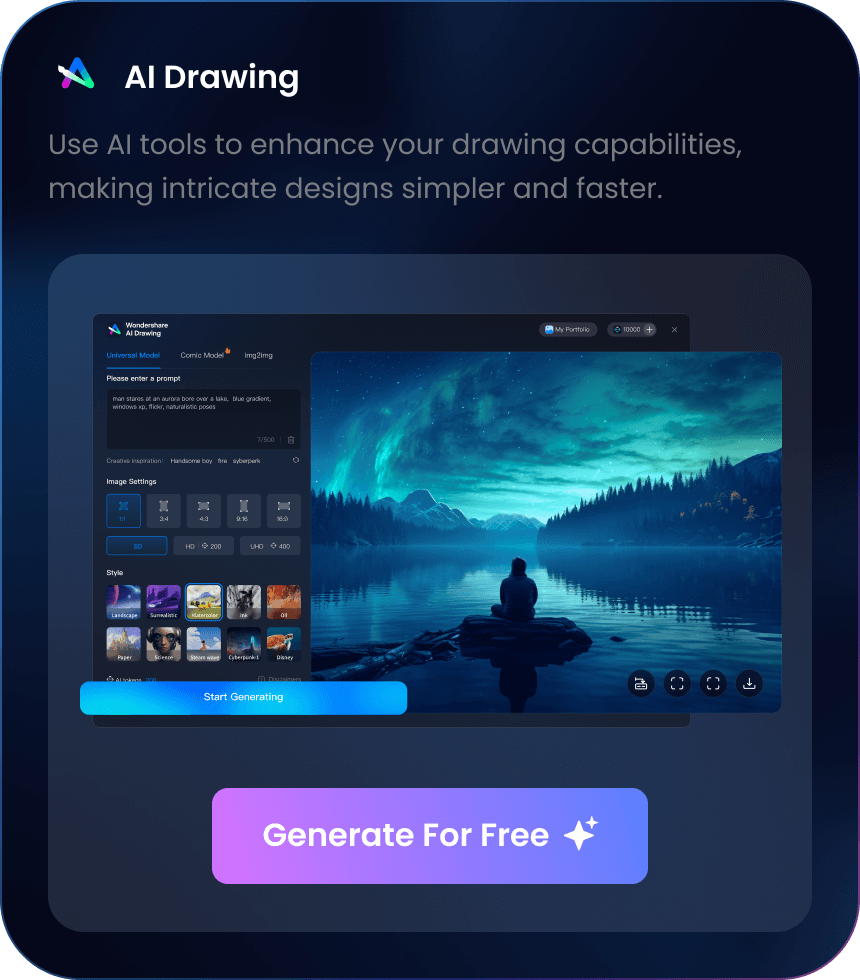

Enhance Designs with

Transform styles, generate images, and create icons all with just a single click.
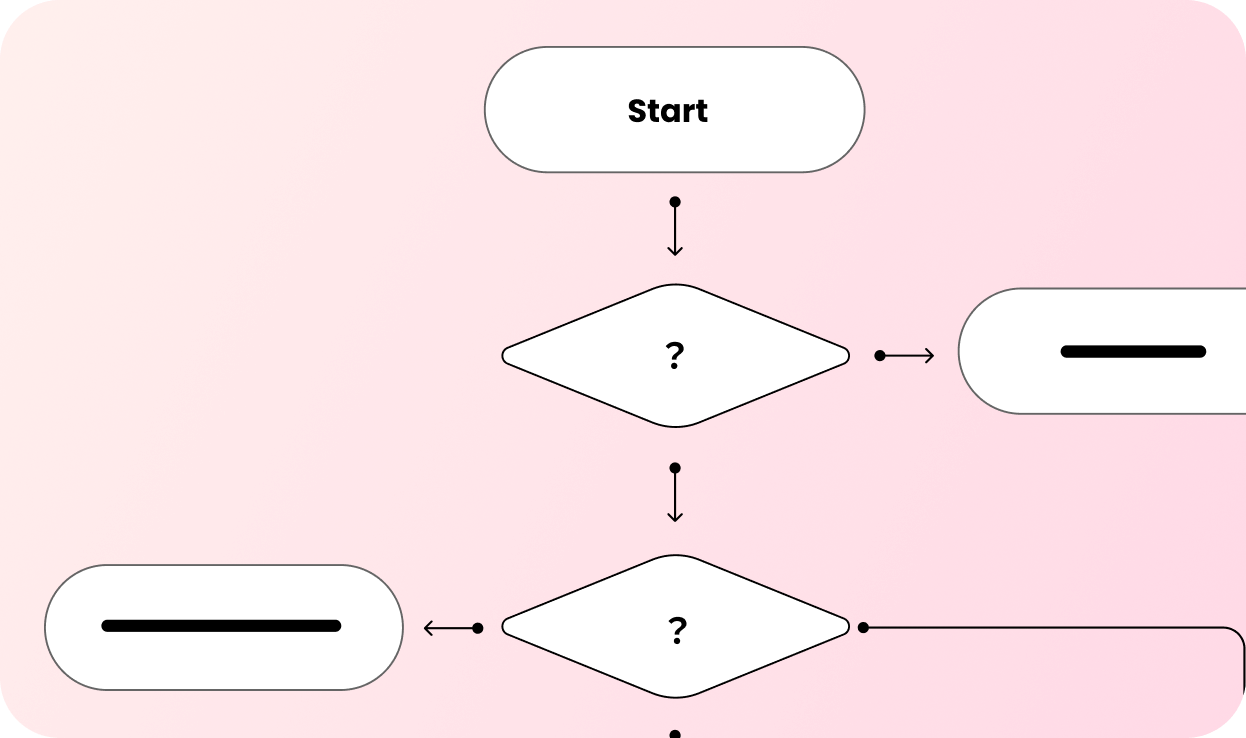
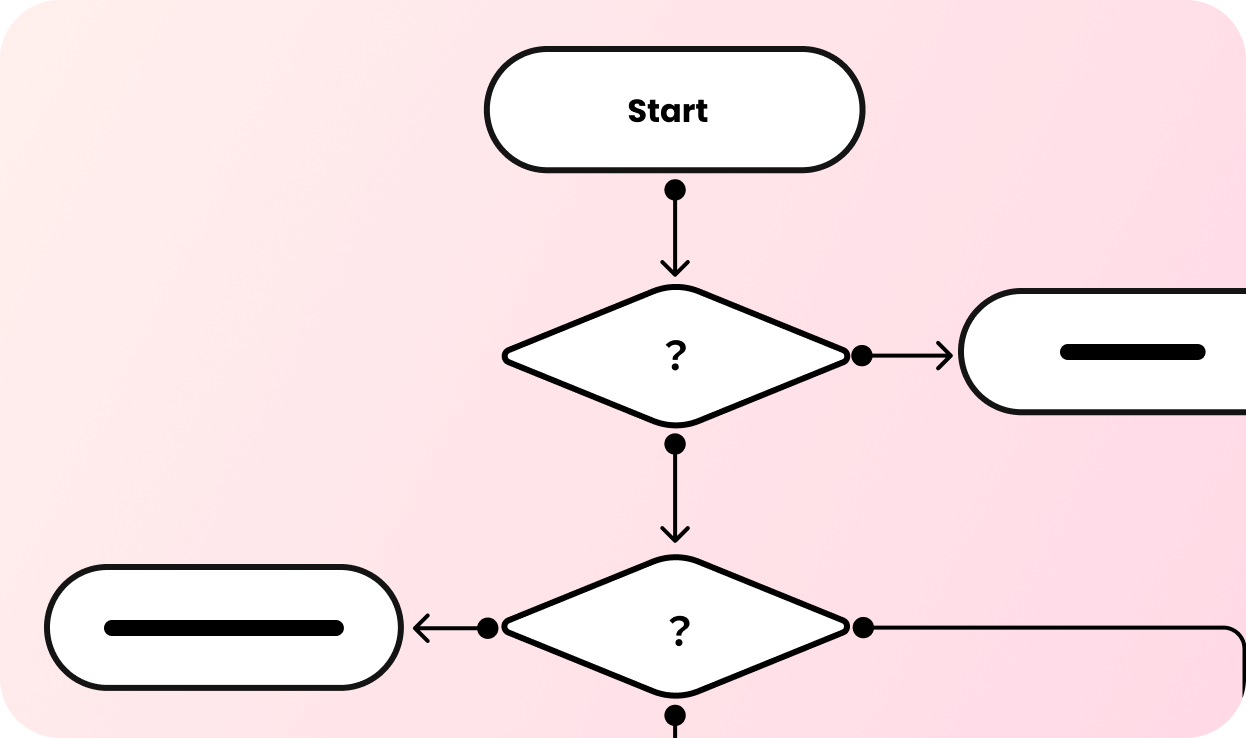
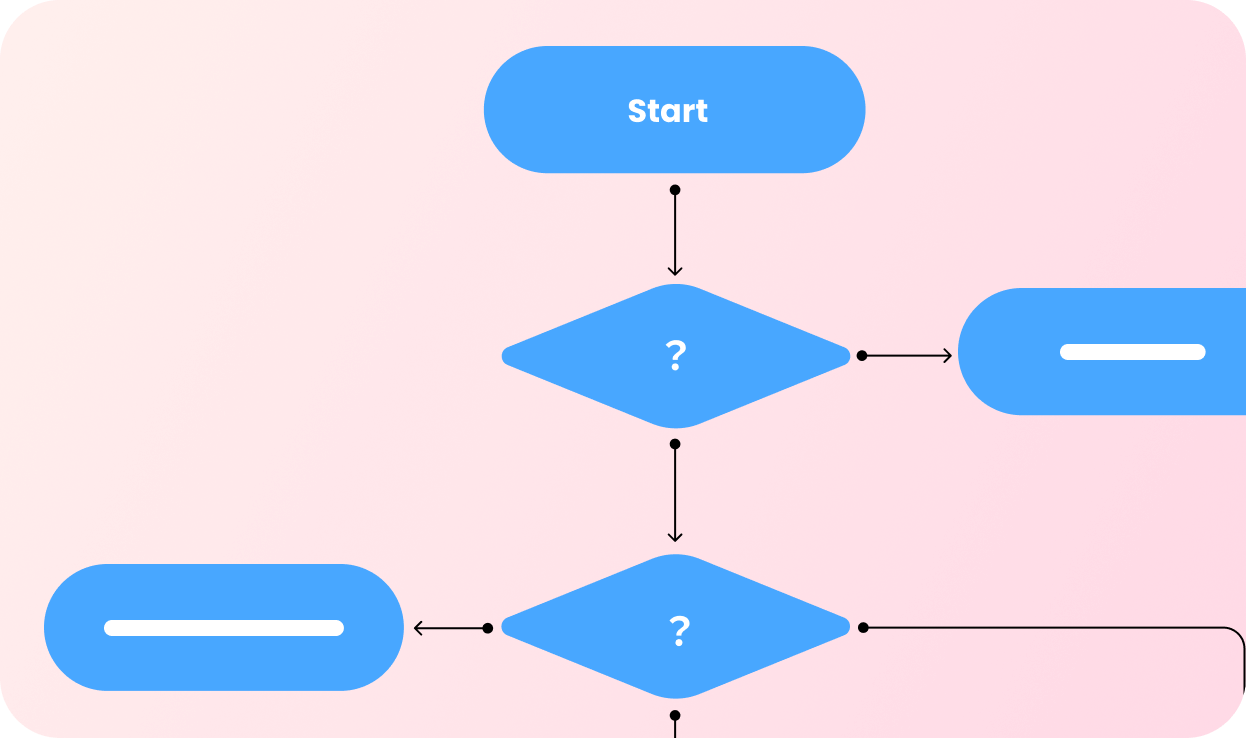
Pre-Designed Themes
Instantly enhance your designs with AI-driven beauty adjustments in a single click.


Create Drawings in No Time
Effortlessly generate high-quality images using advanced AI technology.
Try now
Generate Icons Instantly
Create and customize stickers and icons with AI for a unique touch in your designs.
Try now
How EdrawMax Helps You
Simplify Your Visual Workflow
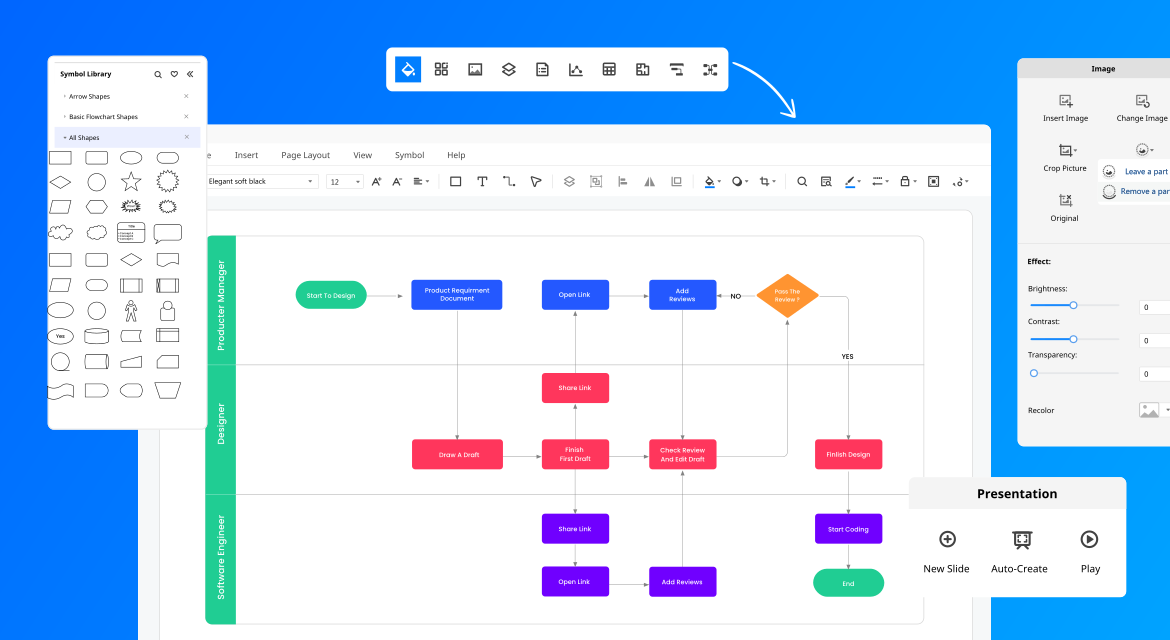
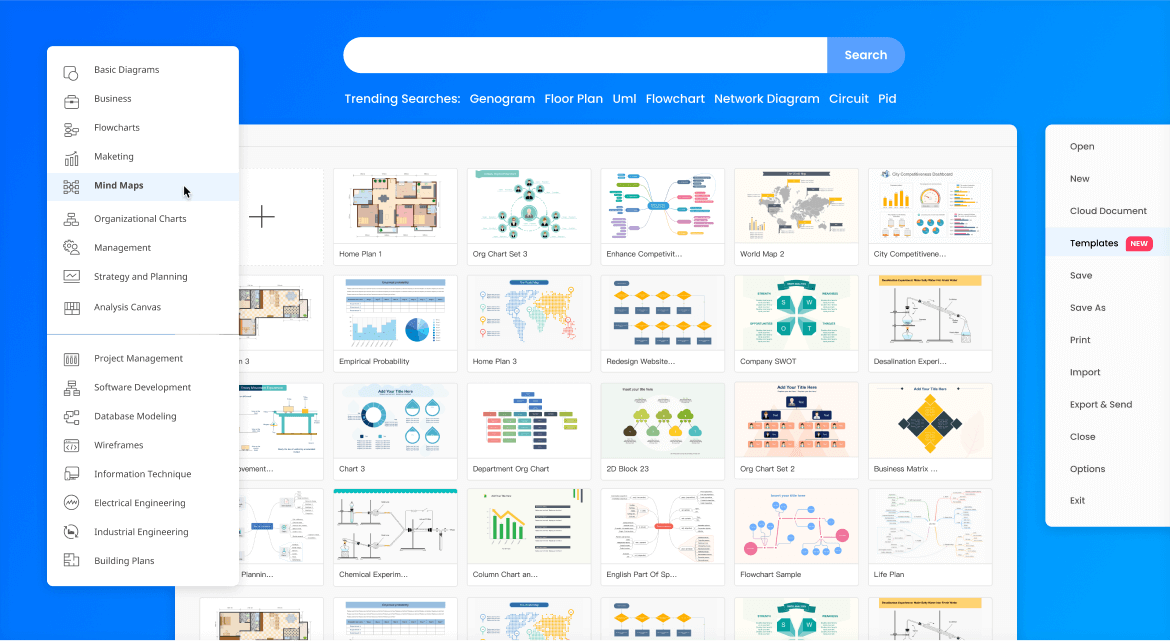
Plan, visualize, and present better results - all in EdrawMax. Get started easily with the Microsoft-like interface, drag-and-drop feature, and professional template resources. With 210 types of diagram solutions, you and your team can use EdrawMax for every stage of your workflow.
Scale Diagrams with Confidence
With EdrawMax, now everyone in every industry can easily visualize their ideas in a standout way. With more than 1,500 built-in templates and over 26,000 symbols, the possibilities are endless. Users can also join the online community and get inspired by fellow Edrawers.
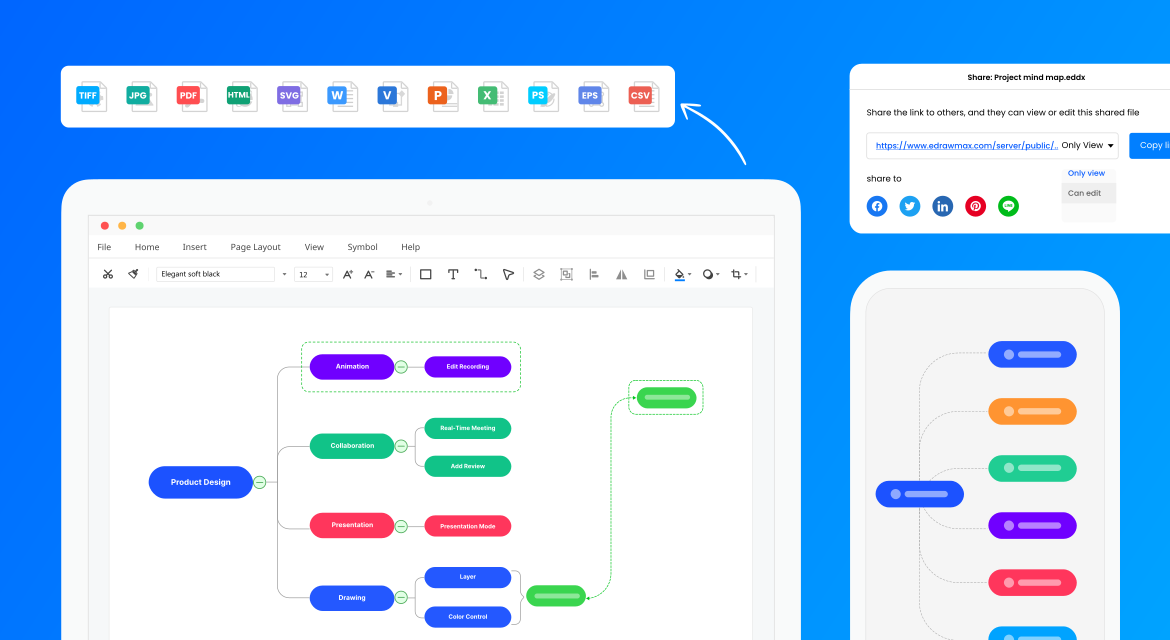
Share Your Visuals Easily
Your hard work deserves to be shared! EdrawMax helps keep everyone on the same page. Share your work and collaborate with your team in any file format, on any shareable channel you want, anywhere. EdrwaMax is what makes a project to be connected and stand out.
Safeguard Your Privacy
With EdrawMax, your data is private, safe, and secure. With enterprise-scale security, all information and file transfers are safeguarded with the highest level of SSL encryption, so nobody can access your data without permission. Your data security and privacy is our top priority.





EdrawMax perfectly fits every Team
Project
Management
IT
Engineering
Marketing
Consulting
Education
Operation
Streamline projects,
boost efficiency
Simplify project planning, track progress, and allocate resources efficiently. Visualize timelines, milestones, and workflows with ease.
-
 Streamline planning, communication, and documentation effortlessly
-
Simplify project planning with Gantt charts and resource allocation
-
Track project milestones and share progress reports seamlessly

Brainstorm, analyze,
problem-solve
Design network architectures, analyze data structures, and troubleshoot software issues. Visualize systems, processes, and databases effectively.
-
Simplify network design, software development, and IT documentation
-
Design network architectures and visualize IT infrastructure
-
Brainstorm and develop flowcharts for coding processes

Innovate design,
optimize processes
Innovate prototypes, optimize workflows, and plan equipment layouts. Visualize designs, processes, and facilities seamlessly.
-
Design prototypes and facilitate collaboration seamlessly
-
Develop technical drawings, and create 2D models
-
Diagram workflows and optimize production processes

Drive engagement,
convert leads
Strategize campaigns with Gantt charts, analyze behaviors with user profiles, and utilize pie and line charts for data insights, enhancing marketing decisions.
-
Streamline campaigns and analyze data effectively
-
Design social media graphics, and create persuasive presentations
-
Plan marketing strategies and track campaign performance

Strategic planning,
client communication
Develop strategic plans, analyze market trends, and communicate recommendations clearly. Visualize strategies, analyses, and proposals convincingly.
-
Visualize strategies and communicate recommendations
-
Create analysis charts, and design business process maps
-
Present findings visually and share consulting deliverables

Creative teaching,
dynamic presentation
Engage students with interactive lessons, visualize concepts, and plan curriculum effectively. Create engaging presentations and educational materials effortlessly.
-
Enhance teaching materials and foster engagement
-
Create interactive presentations and design educational infographics
-
Visualize complex concepts and illustrate learning processes

Simplify management
and analysis
Streamline workflow, manage inventory, and plan production schedules efficiently. Visualize operations, resources, and supply chains effectively.
-
Enhance workflow management and improve resource allocation
-
Diagram operational processes and plan production schedules
-
Visualize resource utilization and allocate assets efficiently

Get Started with
EdrawMax Today
An easy-to-use diagram maker for 210+ types of diagrams free online.
 (AI & Web)
EdrawMax is a powerful drawing tool that has more than enough features, templates, and examples for its users to accomplish any task they set out to achieve. There’s no diagram or chart that EdrawMax can not handle.
EdrawMax provides professional solutions for organizations and individuals. The drag-and-drop functionality makes it easy to draw any type of diagrams. Also, it contains massive free templates, which helped us save time from creation. This software will always let users remain a step ahead of others.
EdrawMax is the versatile diagram software that integrates 100% functionality and libraries of all other drawing products. EdrawMax has better overall options for business presentations and value.